Print shipping labels from any Android app
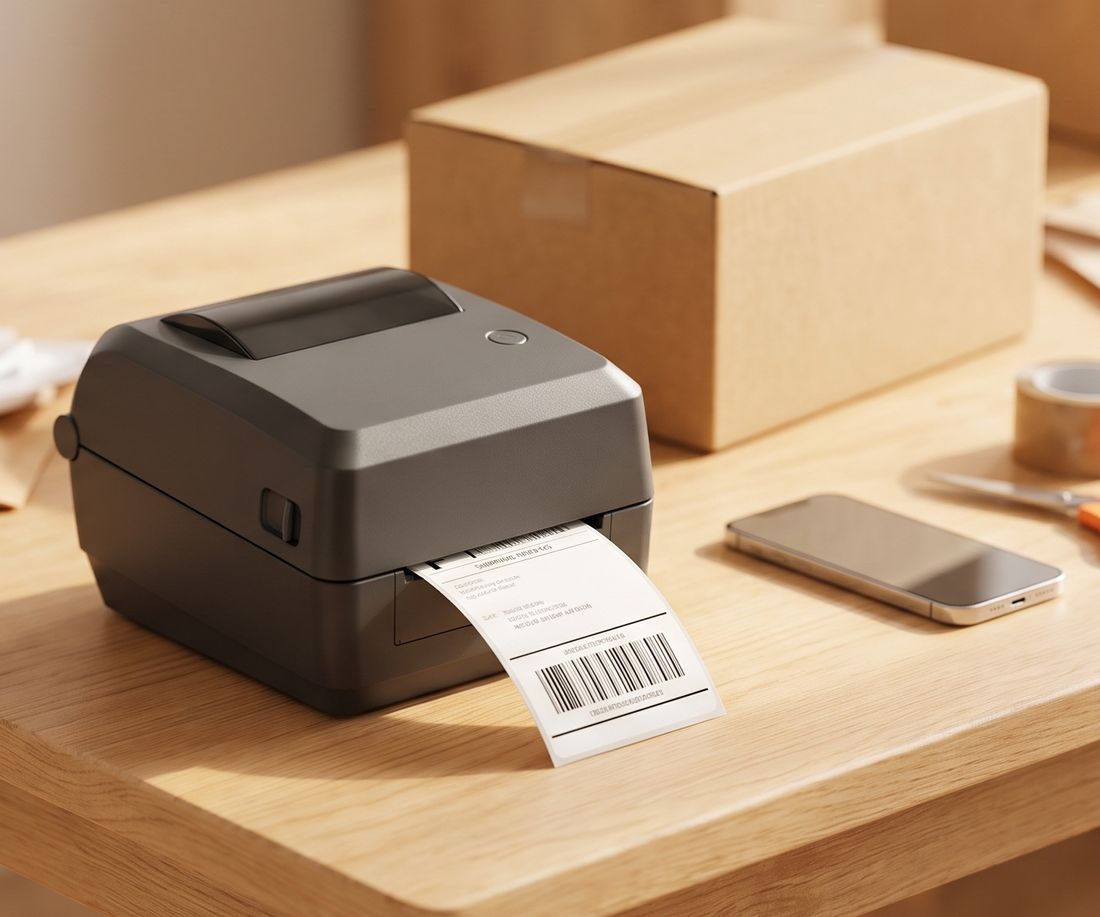
Send 4×6 shipping labels and barcode labels from your phone to the thermal printer you already own. Bluetooth, USB cable or Wi-Fi. No account, no uploads.
- Zebra ZPL
- TSPL: Rollo, MUNBYN, iDPRT
- ESC/POS receipts
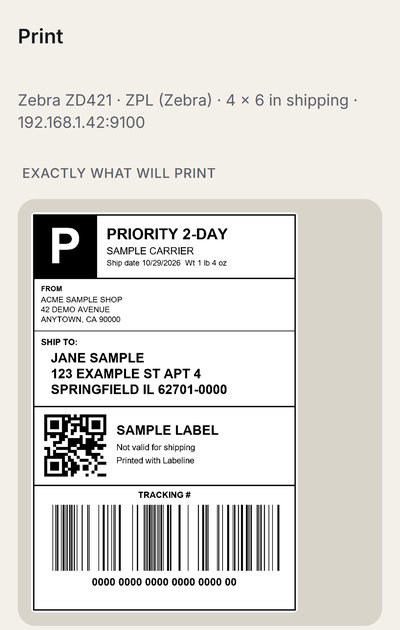
Actual Labeline screens
Print, check, done
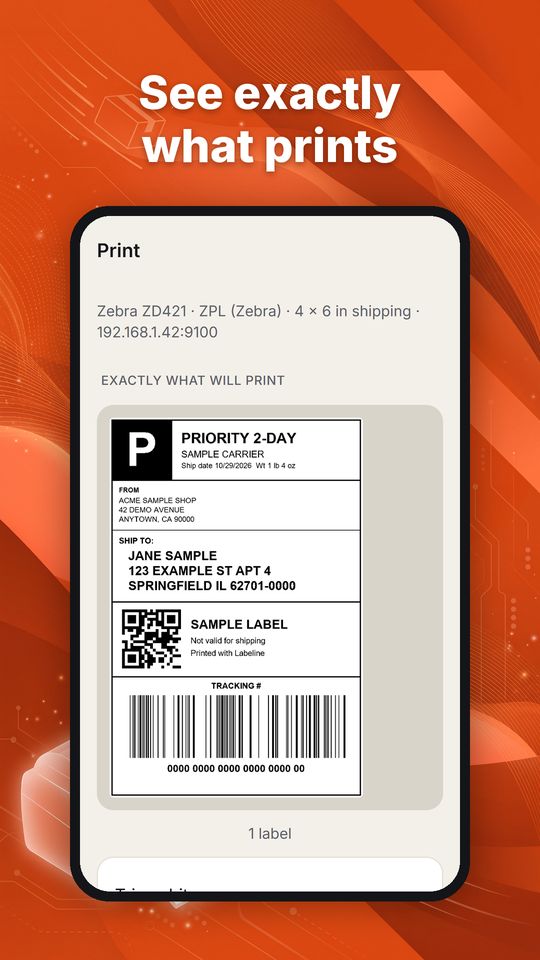
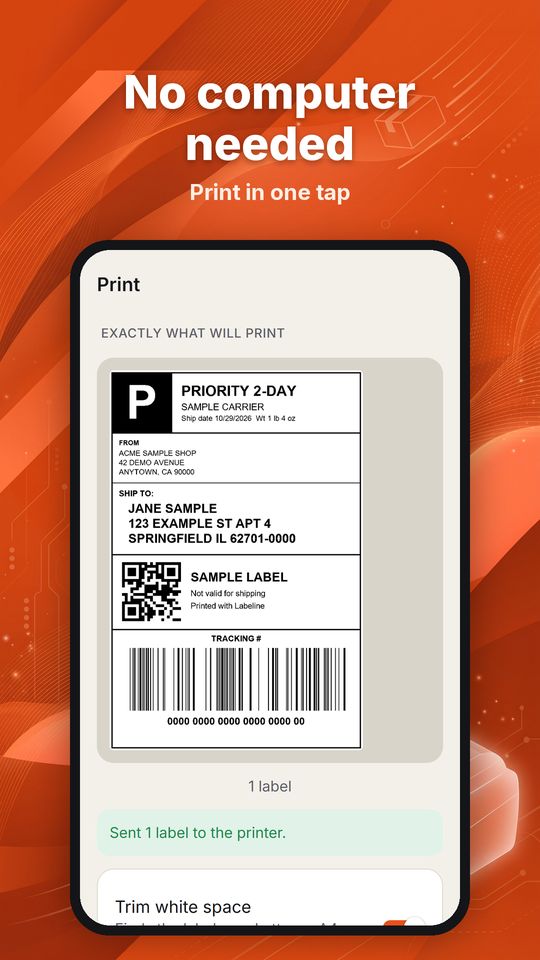
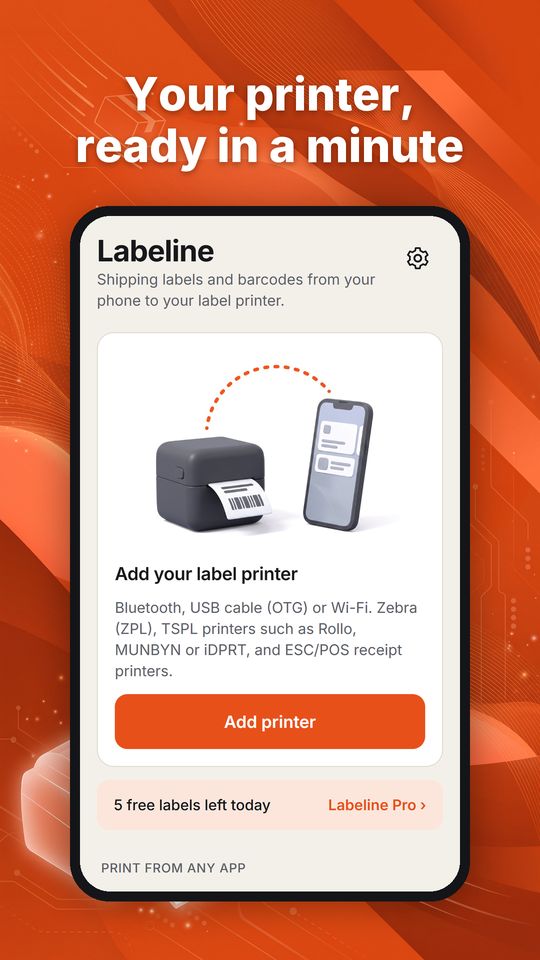
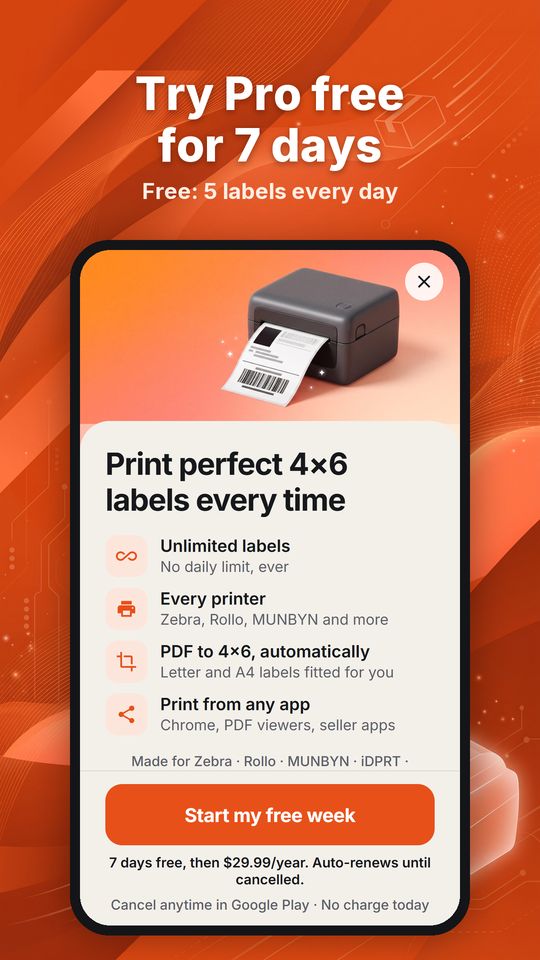
Real screens from the Android app, shown with sample data. Tap Print in any app, pick Labeline, and the label comes out at the right size.
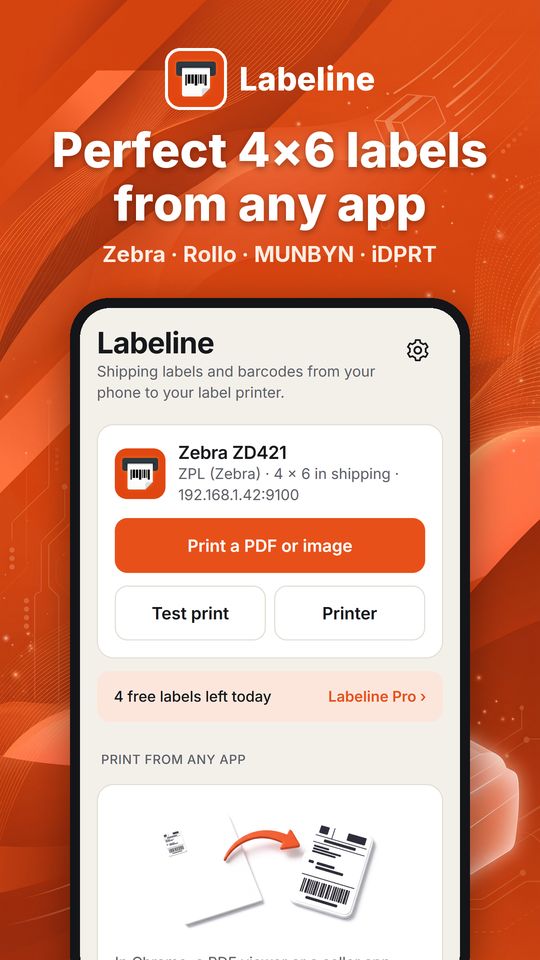
What it does
One app between your phone and every label printer on the bench.
Prints from any app
Labeline appears in Android's print dialog. Print from Chrome, a PDF viewer or a marketplace seller app, or share a PDF to Labeline.
Fits the label
Finds the label on a Letter or A4 PDF, trims the white space, rotates it and fills a 4×6 label. You see exactly what will print first.
Speaks your printer's language
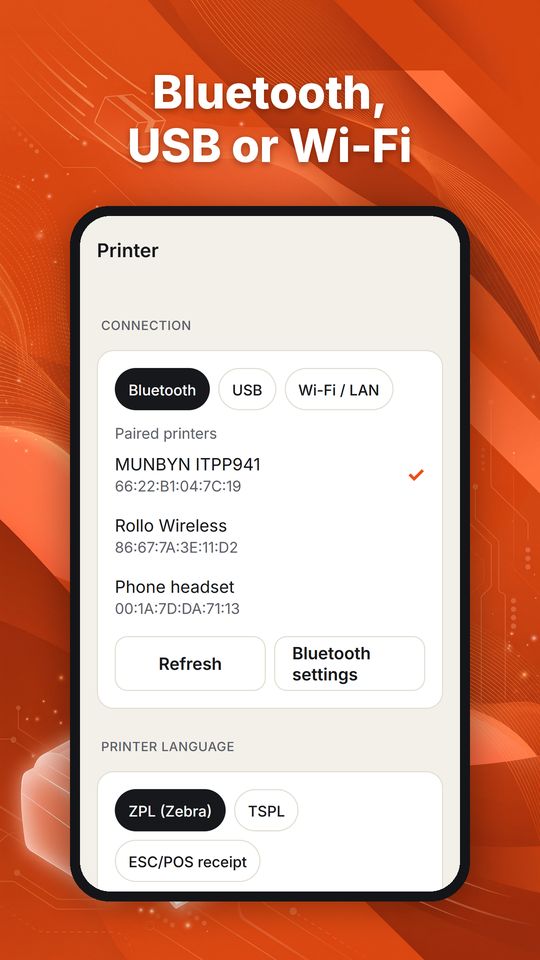
ZPL for Zebra, TSPL for most 4×6 shipping printers, ESC/POS for receipt printers.
Stays on your phone
Documents go straight from the phone to the printer. Shipping addresses are never uploaded.
Check it with your printer before you pay
The free version is the test: try your own printer and your own labels before you buy anything.
- Pair or plug inPair the printer in Android's Bluetooth settings, plug it in with a USB OTG cable, or enter its Wi-Fi address.
- Print the test labelLabeline sends a test label in the printer's own language: ZPL, TSPL or ESC/POS.
- Print real labelsThe free version prints up to 5 labels a day, so you can confirm size, orientation and connection on your own printer before paying.
Printers
Check yours with the free version and the test print.
| Language | Typical printers | Connection |
|---|---|---|
| ZPL | Zebra desktop and mobile printers (ZD, GK, GX, ZQ series) and ZPL-compatible printers | Wi-Fi/LAN, Bluetooth, USB |
| TSPL | Most 4×6 shipping label printers, for example Rollo, MUNBYN, iDPRT, Xprinter label models, TSC | USB (OTG), Bluetooth, Wi-Fi/LAN |
| ESC/POS | 58 mm and 80 mm receipt printers | Bluetooth, USB, Wi-Fi/LAN |
Bluetooth printers must use classic Bluetooth (SPP) and be paired in Android settings first. Printers that only work through their maker's cloud account are not supported. Compatibility depends on the printer's firmware.
Free and Pro
Try it free on your own printer. Pro starts with a 7-day free trial.
Free
US$0
No account, no ads
- 5 labels a day
- One saved printer
- Test print and preview
Best value
Pro Yearly
US$29.99 / year
7-day free trial · about US$0.58 a week
- Unlimited labels from the app and the print dialog
- As many printers as you need
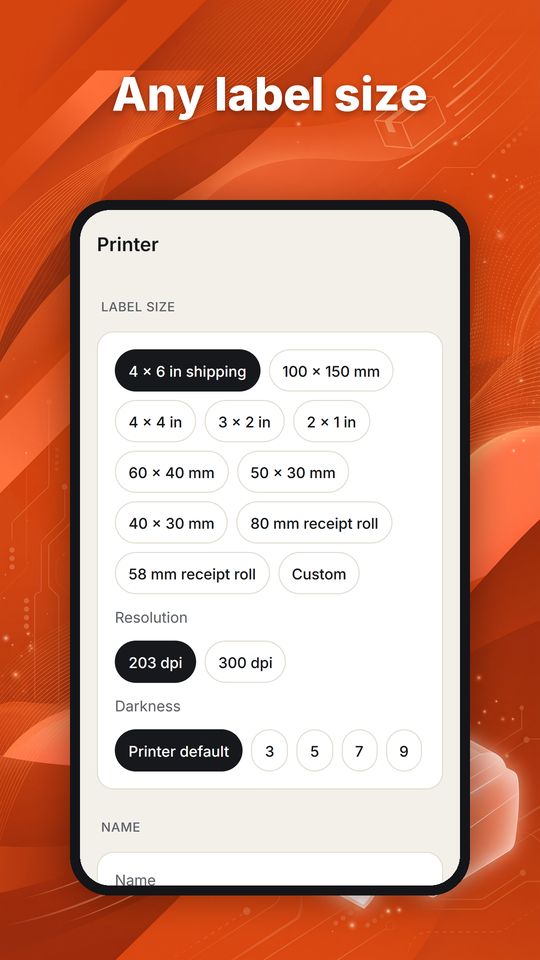
- Every label size and printer language
Pro Monthly
US$4.99 / month
7-day free trial
- Everything in Pro
- Cancel anytime in Google Play
Prefer one payment? Labeline Pro Lifetime is US$49.99 once. Prices are in US dollars; Google Play shows your local price. Subscriptions renew automatically until you cancel in Google Play > Payments & subscriptions; cancel before a trial ends and you are not charged.
Help
Labels print blank or inverted
TSPL printers differ: open the printer in Labeline, turn on "Invert black and white", and test again.
The label is offset or cut off
Check the label size, then use "Shift right" and "Shift down" under Advanced.
Labeline is missing from the print dialog
Open Android Settings > Connected devices > Printing and turn on Labeline.
My USB printer is not listed
Use a USB OTG adapter or cable, unplug and plug in the printer, tap Refresh, and allow access when Android asks.
Still stuck? E-mail support@atesensoftware.com with your printer model and a photo of the test label.