Meshline
For Linksys Velop mesh systems and Linksys Smart Wi-Fi routers
Your mesh Wi-Fi, without the freezes: see who is online and on which node, pause a device and resume it in one tap, on your home network. No cloud account.
For home Wi-Fi · iPhone · In development — not yet on the App Store
What it does
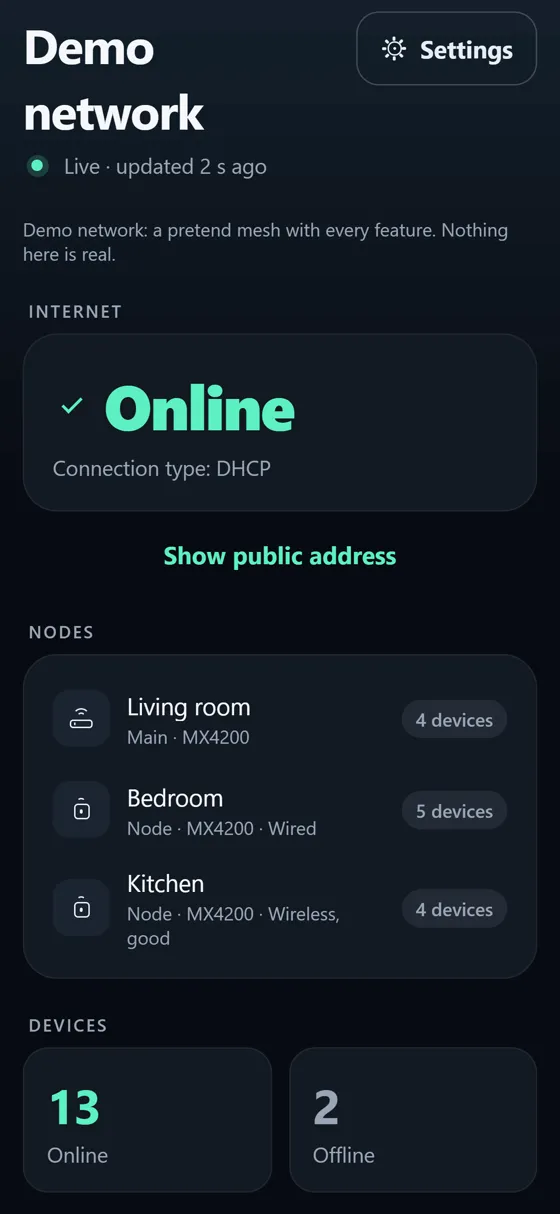
- Shows whether the internet is up, every node of your mesh and how it is connected (wired or wireless)
- Lists the devices on your network, grouped by the node they are connected to, with the band and the signal
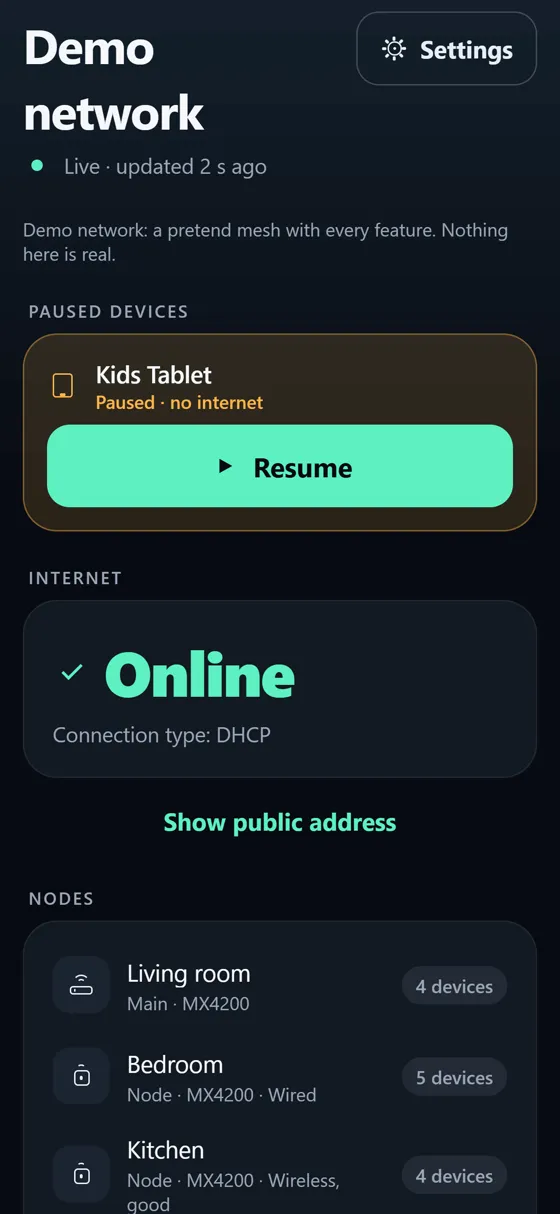
- Pauses the internet of one device, and resumes it in one tap. A paused device always shows at the top of the home screen, and resuming is never behind a paywall
- A daily "no internet from … to …" window for a device, such as bedtime for a tablet
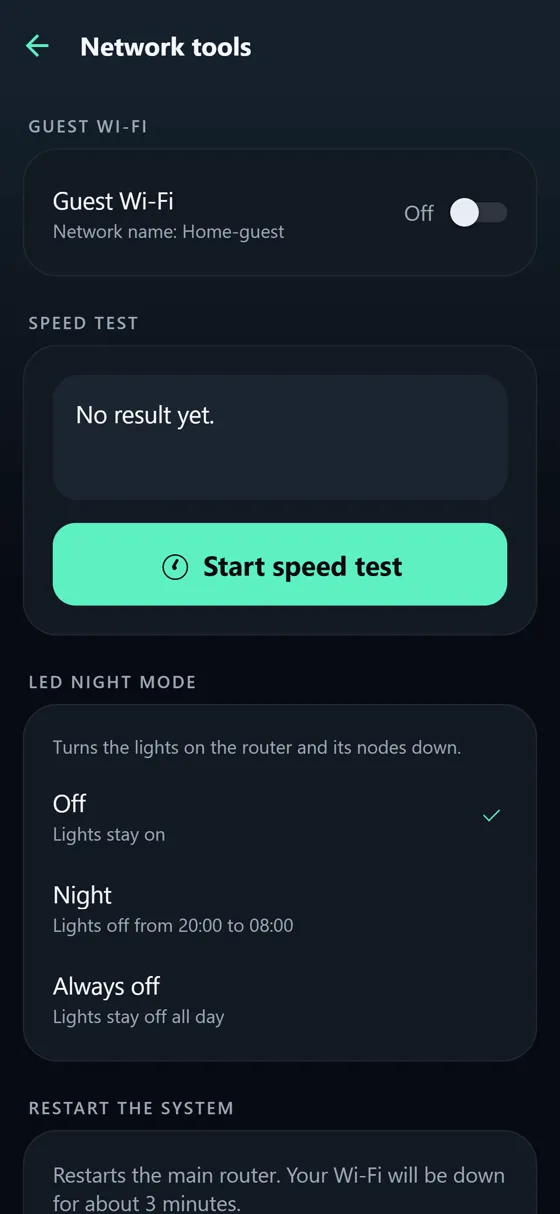
- Guest Wi-Fi on or off, a speed test, the lights' night mode, renaming a device, restarting the system
- Shows a change as done only when the router reports it
- Finds your router on your home network by itself
How it works
Linksys Velop and Linksys Smart Wi-Fi routers have a local control interface on your home network. Meshline uses it directly with your router's admin password: no Linksys cloud account, no other app, no server of ours. The password is kept only in your iPhone's Keychain and is sent only to your router. There is no tracking and no advertising. Meshline works at home only.
Works with
Linksys Velop mesh systems and Linksys Smart Wi-Fi routers that answer on the local control interface. Not every model and firmware has been tested, and some firmware answers only over a secure (HTTPS) connection, which Meshline does not support yet: the free version shows at once whether yours works, before you buy Pro. No router nearby? The app has a demo where everything works.
Price
Free to download: the internet status, the nodes and the device list for one network, and resuming a paused device. Meshline Pro is a one-time purchase (no subscription) that adds pausing and the daily window, guest Wi-Fi, the speed test, night mode, renaming, restarting and more than one network.
Questions owners ask
The Linksys app freezes or won't load. Is there another way to manage my Velop?
Yes. Meshline talks to the router's own local interface on your network, so it does not depend on the Linksys app or its cloud.
Which password does it need?
The router's admin password: the one you set for the router in the Linksys app (not your Wi-Fi password).
I can't un-pause a device in the Linksys app. Can Meshline do it?
If the pause comes from the router's parental controls, yes: paused devices show at the top of Meshline's home screen with a Resume button, in the free version too.
Does it work away from home?
No, only on your home network.