Plugline
For TP-Link Kasa smart plugs, wall switches, power strips and bulbs
Your plugs, without the ads: switch them in one tap on your home Wi-Fi, see what they draw right now. No account, no cloud.
For the smart home · iPhone · In development — not yet on the App Store
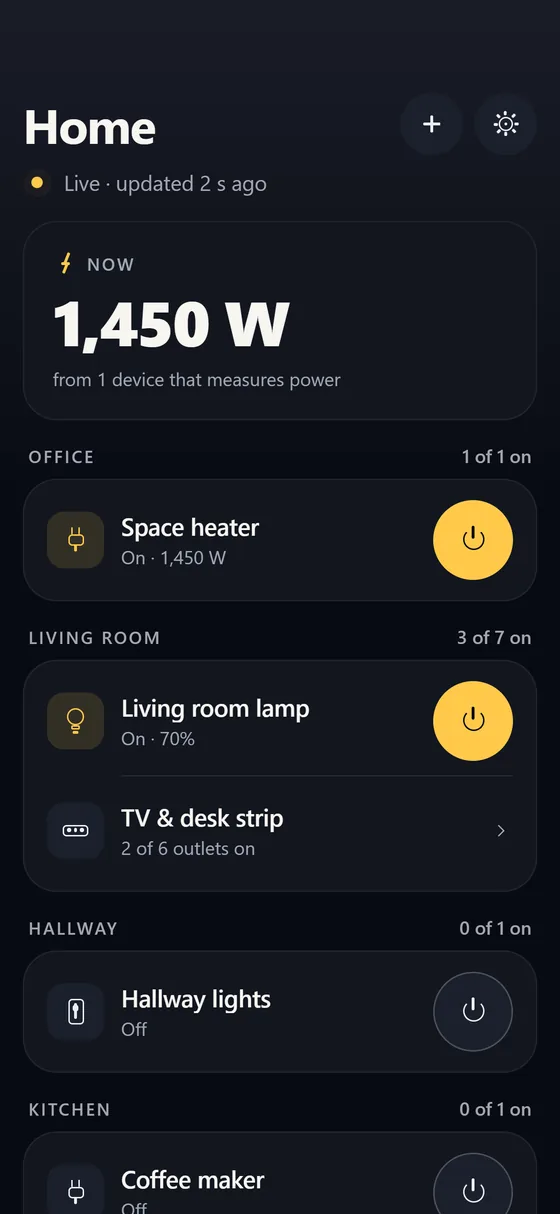
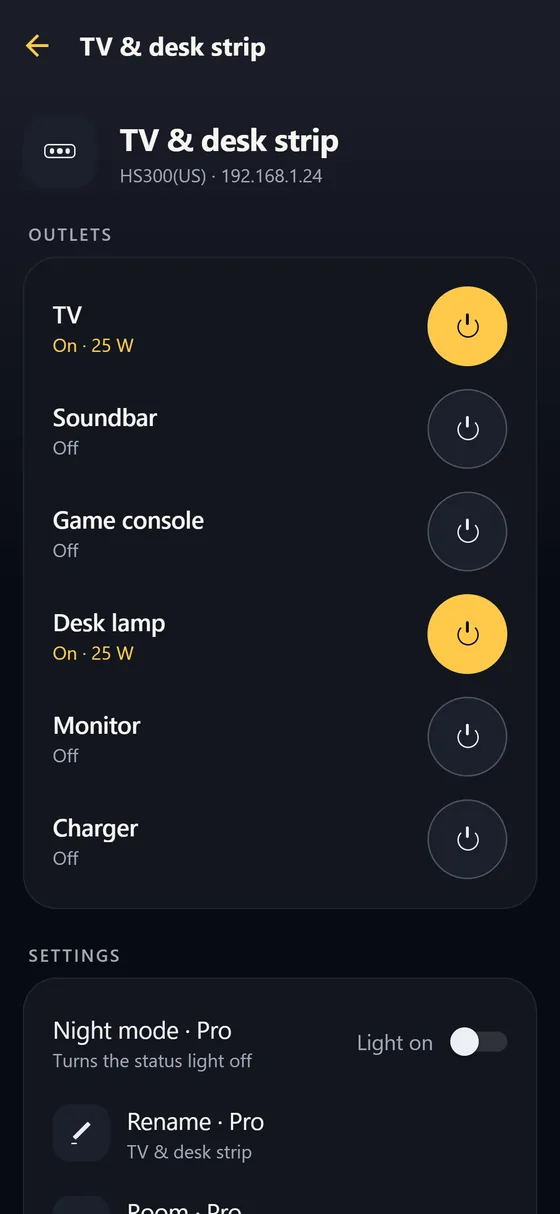
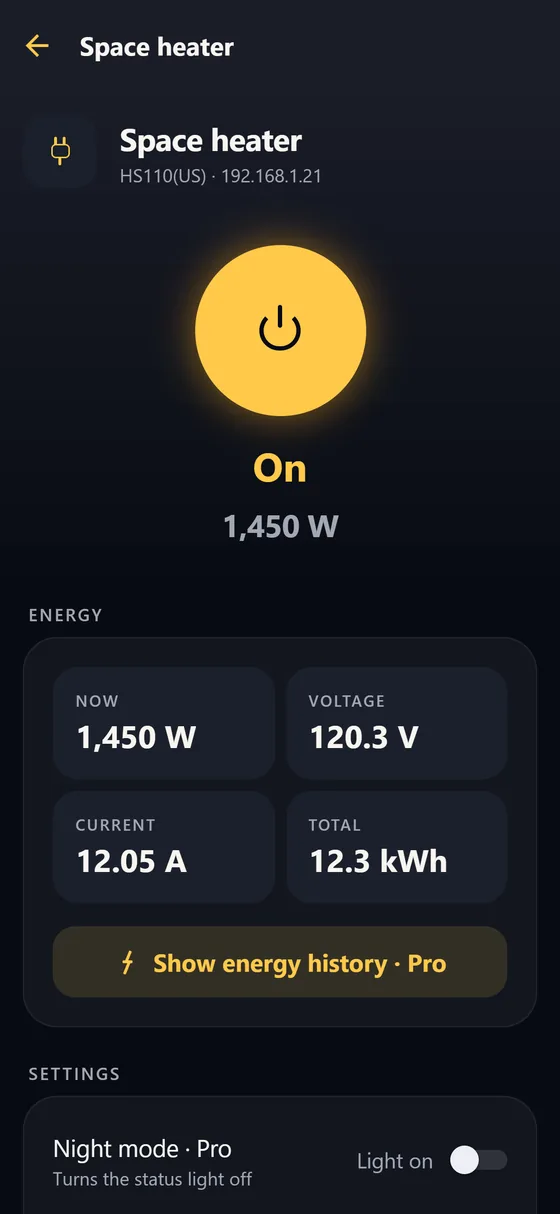
What it does
- Finds your Kasa devices on your home Wi-Fi by itself, or adds one by its address
- Switches plugs, wall switches and bulbs in one tap, and every outlet of a power strip separately
- Dims dimmer switches and bulbs
- Shows what a plug that measures power draws right now, in watts, and the house total
- Energy history by day and month, rooms, night mode for the status lights, renaming
- Shows a device as On only when the device itself reports it: while a command runs it says "Turning on…", and a command without an answer is shown as "Unknown"
How it works
Kasa plugs, switches and bulbs answer on your home network with their own local protocol. Plugline talks to them directly: no TP-Link account, no other app, no server of ours, no ads and no tracking. It works at home only. Set up a new device once with its maker's app; after that, Plugline controls it.
Works with
Kasa smart plugs (with and without energy monitoring), wall and dimmer switches, multi-outlet strips and bulbs that answer on the local network. Some newer models accept only a TP-Link login and do not answer locally; Plugline cannot control those yet and says so when you add one. The free version shows at once whether yours works, before you buy Pro. No plug nearby? The app has a demo home where everything works.
Price
Free to download: find your devices, and switch, dim and see live power for two of them. Turning a device off is never locked. Plugline Pro is a one-time purchase (no subscription) that adds unlimited devices, rooms, energy history, night mode and renaming.
Questions owners ask
The Kasa app shows ads now. Is there another way to switch my plugs?
Yes. Plugline talks to your plugs directly on your home network, so there are no ads, no account and no cloud in between.
Do I need a TP-Link account?
No. Plugline does not use one. A new plug is set up once with its maker's app (it needs your Wi-Fi details); after that Plugline finds it.
Do the schedules on my plugs keep working?
Yes. Schedules saved on a device run on the device itself, whether Plugline is open or not.
Does it work away from home?
No, only on your home network.