Remoteline
For Logitech Harmony Hub
Your Harmony Hub on your iPhone again: start "Watch TV" in one tap, with volume, channel and arrows that just work. No account, no cloud.
For a Harmony Hub on your home Wi-Fi · iPhone · In development — not yet on the App Store
What it does
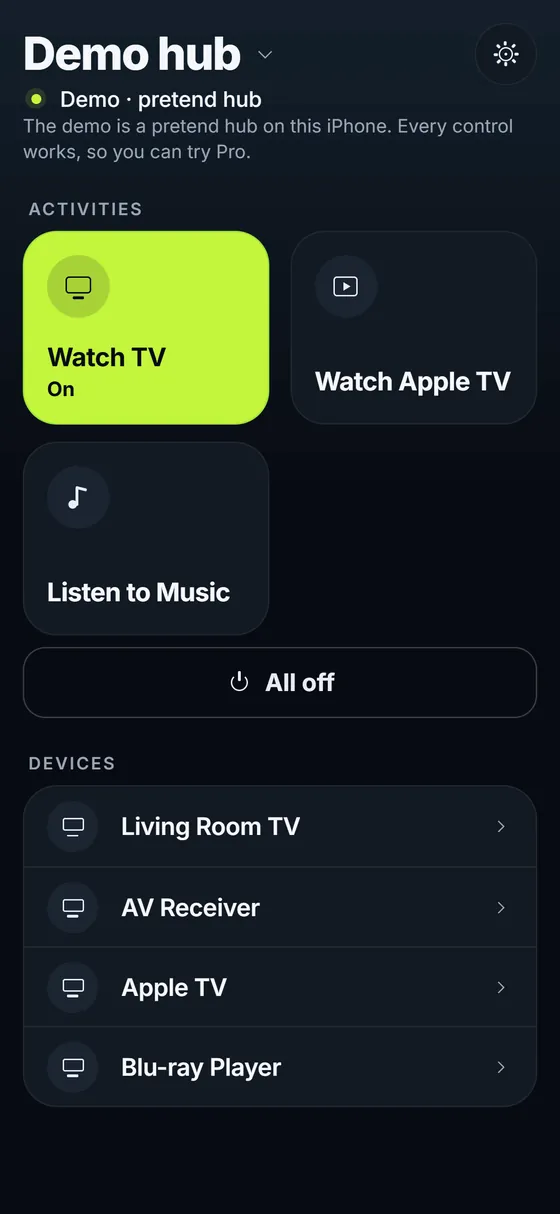
- Shows your hub's activities and starts one with a tap; "All off" turns everything off
- Marks an activity as on only when the hub says it is running, and says so plainly if the hub did not take a start
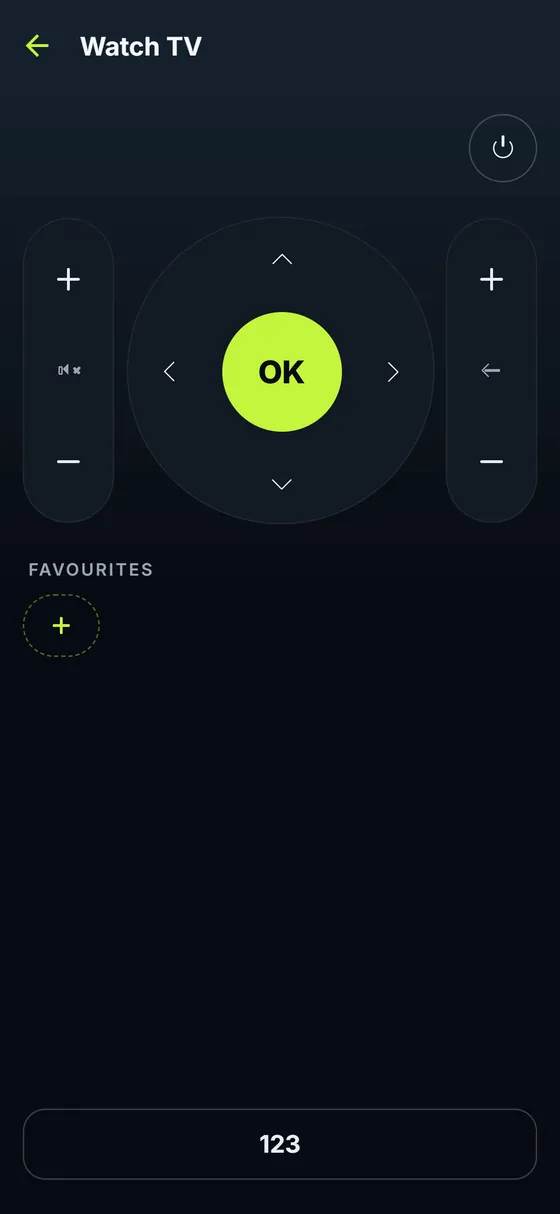
- The remote of the running activity: arrows and OK, volume and channel (hold to repeat), playback, numbers and every other button of your devices
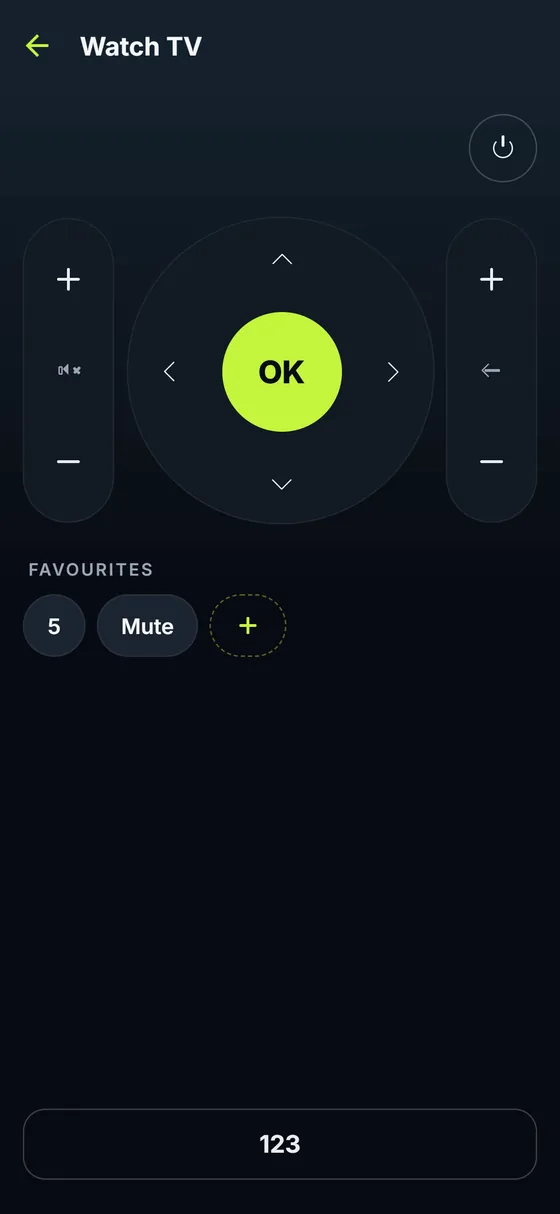
- Favourite buttons on the remote
- Follows changes made with the physical remote, and works with more than one hub
- Finds the hub on your home Wi-Fi by itself; in English and German
How it works
Remoteline talks to your Harmony Hub directly on your home network, using the hub's own local connection. It works without the internet and without Logitech's servers or app. There is no account, no tracking and no advertising. Remoteline uses the activities and devices that are already set up on your hub. Adding or changing devices still needs Logitech's own setup, which Remoteline does not replace. It works at home only, without remote access from outside.
Works with
Logitech Harmony Hub (including Harmony Elite, Companion and Pro, which come with a hub) that is already set up and on your home Wi-Fi. Your iPhone must be on the same Wi-Fi. Older remotes without a hub cannot be used. If a hub's firmware has no local access, the app says so instead of pretending. No hub nearby? The app has a demo where everything works.
Price
Free to download: your hub's activities, with start and All off, for one hub. Remoteline Pro is a one-time purchase (no subscription) that adds the full remote, favourite buttons and more than one hub.
Questions owners ask
The Harmony app freezes on iOS 27. Does Remoteline work?
Remoteline is a separate, current app built for iOS 26 and 27. It does not need the Harmony app to open: it talks to the hub on your Wi-Fi. Your hub keeps everything it learned, and Remoteline uses that setup.
Is there a Harmony app alternative without an account?
Yes: Remoteline needs no Logitech account and no sign-in of any kind. Nothing about your devices leaves your home network.
Can I add a new TV or change an activity?
Not in Remoteline. The infrared codes and the setup live in Logitech's cloud, which Remoteline does not use. Change the setup the way Logitech provides; Remoteline then shows the new activities.
Does it work like the Home Assistant Harmony integration?
It uses the same local connection, but you install nothing else and run no server.
Does it work away from home?
No, only on your home Wi-Fi.