Tunerline
For Wi-Fi and DAB radios that used the UNDOK app
Your Wi-Fi radio, on your iPhone again: power, presets, sources and volume from across the room. No account, no cloud.
For radios with a Frontier Smart chip on your home Wi-Fi · iPhone · In development — not yet on the App Store
What it does
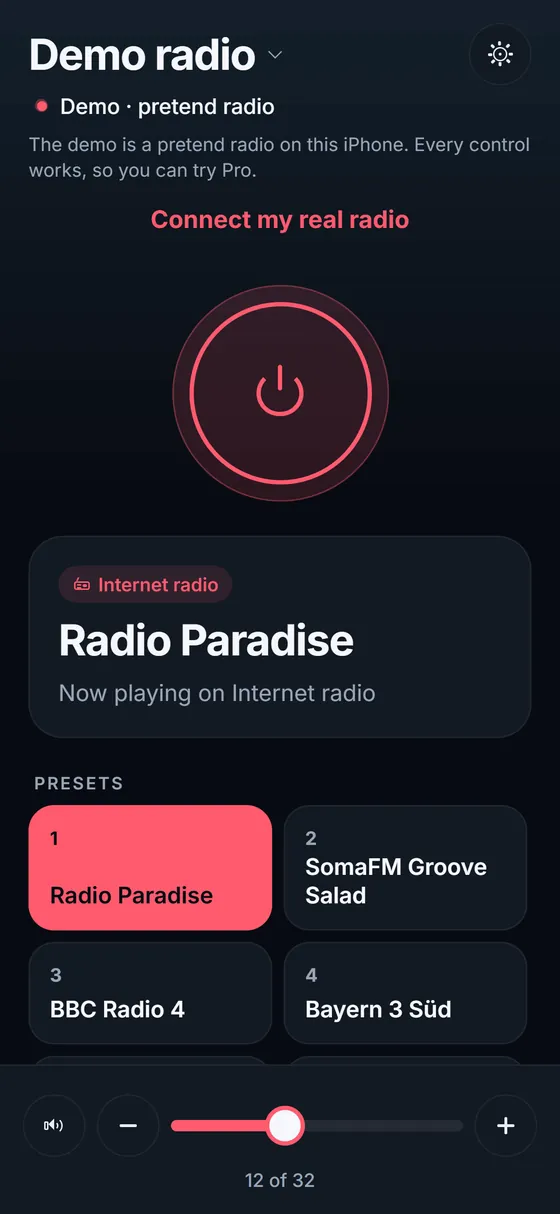
- Turns the radio on and to standby
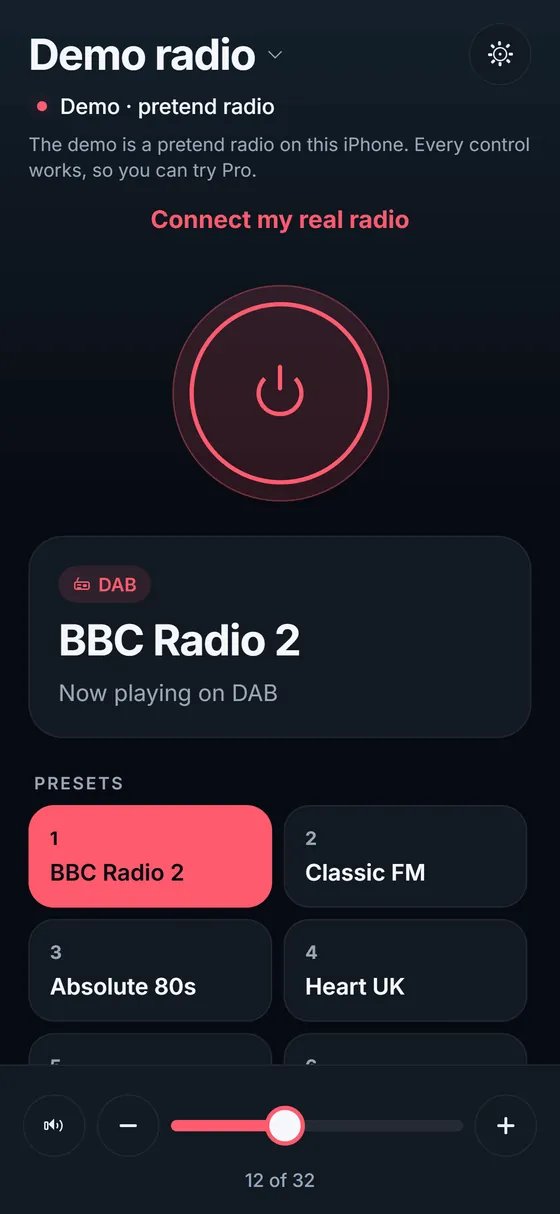
- Shows what is playing: the source, the station and the text the radio sends
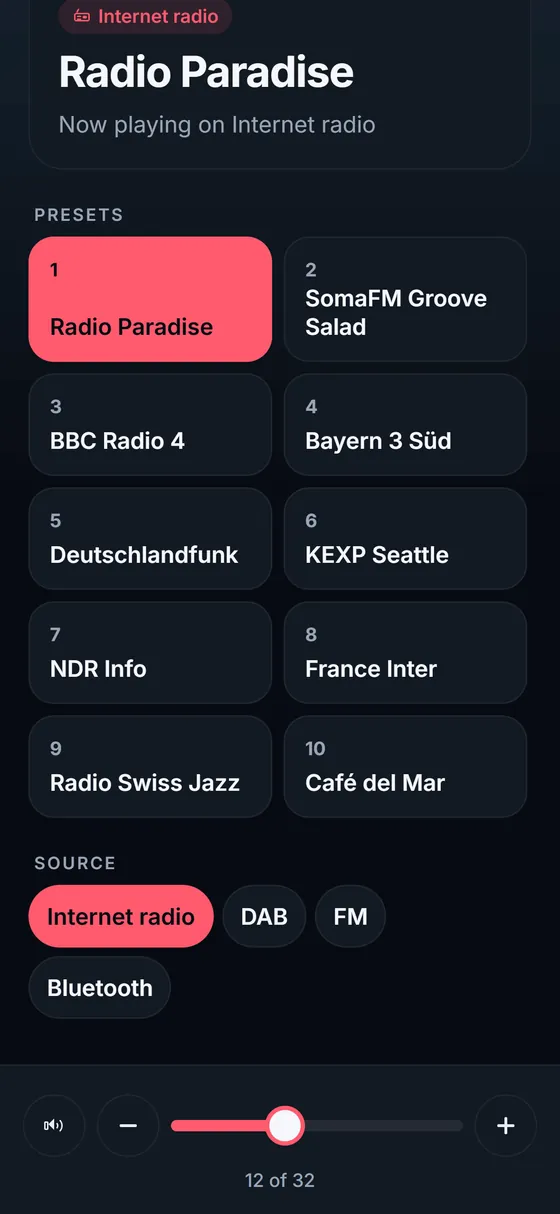
- Presets 1–10 with their station names, one tap to play
- Switches between the sources your radio has: Internet radio, DAB, FM, Bluetooth and more
- Volume from across the room: − / + and a slider that sends one value when you let go, plus mute
- Several radios in one app; finds them on your home Wi-Fi by itself; in English and German
How it works
Many Wi-Fi and DAB radios use a Frontier Smart chip and were controlled with Frontier's UNDOK app, which crashes on iOS 27. These radios have their own local control on your home network. Tunerline uses it directly, so it needs no account, no cloud and no other app. There is no tracking and no advertising. The radio must already be on your Wi-Fi: set-up of a new radio is done on the radio itself. Tunerline works at home only.
Works with
Radios with a Frontier Smart chip that worked with the UNDOK app. Many models from Roberts, Ruark, Pure, Hama, Revo, Sangean, Majority and others use it, but not every model of every brand does. The free version shows at once whether yours answers, before you buy Pro. Your iPhone must be on the same Wi-Fi as the radio. Some radios ask for a PIN (usually 1234, in the radio's network menu). No radio nearby? The app has a demo where everything works.
Price
Free to download: power, volume, mute and what is playing, for one radio. Tunerline Pro is a one-time purchase (no subscription) that adds the presets, switching sources and more than one radio.
Questions owners ask
UNDOK keeps crashing on iOS 27. What can I use instead?
Tunerline is a separate, current app that talks to the radio itself on your Wi-Fi, so it does not need UNDOK to open. Your radio keeps its presets and settings.
Does it work with my Roberts / Ruark / Pure radio?
If the radio worked with the UNDOK app, it most likely has a Frontier Smart chip and works. Install the free version: it finds the radio and shows what is playing. If it cannot, you have paid nothing.
Can I set presets or add stations?
Presets are stored on the radio. Tunerline plays them; you store a station as a preset on the radio itself.
Does it play internet radio on my phone?
No. Tunerline is a remote control: the radio plays, the iPhone controls it.
Does it work away from home?
No, only on your home Wi-Fi.