Connects to Xero
Allocat alternative: apply many credit notes to invoices in Xero
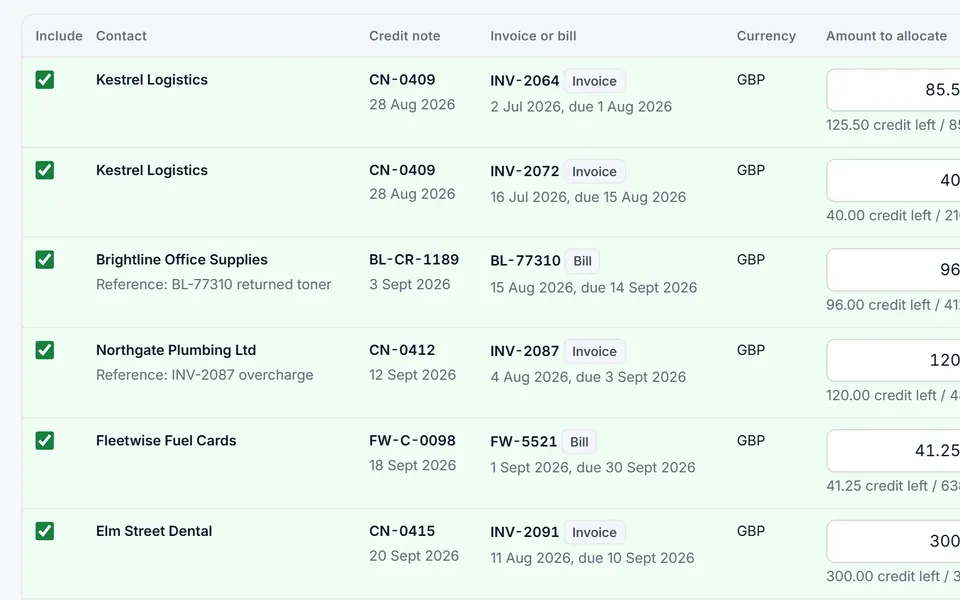
Creditloom is an alternative to Allocat for applying many credit notes to invoices and bills in Xero: it proposes every allocation, you check the preview, then it writes them in one confirmed job. The first 10 allocations are free, then $29 for a 30-day pass or $29 a month. Allocat is the better choice when you also need prepayments and overpayments matched automatically.
Scan your credit notes free See the differences
Atesen Software, the publisher of this guide, makes Creditloom. Allocat belongs to another company; its facts below come from its Xero App Store listing, opened on 26 November 2026.
What Xero does on its own
In Xero you open one credit note, choose the invoices of the same contact it should go against, enter the amounts and save. That works one credit note at a time. Bulk allocation is a request on Xero Product Ideas, Credit notes - bulk allocation, where a Xero community manager replied in September 2025 that it is not planned for the short term. Xero's own steps are in Credit notes on Xero Central.
Creditloom vs Allocat, side by side
| Creditloom | Allocat | |
|---|---|---|
| What it matches | Approved sales credit notes to sales invoices, and supplier credit notes to bills. | Credit notes, prepayments and overpayments to invoices, its listing says. |
| Matching rule | Same contact and currency. You choose oldest first, exact amount first, or by reference. | First by amount, then by date from oldest to newest, its listing says. |
| How it runs | A job you start: scan, edit the proposed table, type ALLOCATE and the row count. | Suggestions you adjust and accept with one click, or fully automated. |
| Undo | 30 days, for the allocations that job made. | Not described on its listing. |
| Skips | Rows in a locked period and rows that changed in Xero since the preview, each listed with the reason. | Not described on its listing. |
| Price | First 10 allocations free. $29 for a 30-day pass (up to 1,000 allocations), $29 a month or $290 a year, per organisation, before tax. | Its Xero App Store listing shows no price. |
Which one fits
- Allocat: you want prepayments and overpayments matched too, or matching that runs on its own from now on, from an app listed on the Xero App Store since August 2020.
- Creditloom: a backlog of credit notes to clear once, supplier credit notes against bills as well as sales ones, a table you can edit before anything is written, and an undo for 30 days.
- Xero by hand: a few credit notes. It is free and already there.
How to apply many credit notes in Xero with Creditloom
- Connect the organisation. Sign in on Xero's own page. Scanning changes nothing.
- Scan and choose the rule. Pick oldest first, exact amount first, or by reference. Only approved credit notes with credit left and approved invoices or bills with an amount due are used.
- Edit the proposed table. Untick rows or change amounts. Check validates the rows and writes nothing. Credit notes with no valid match are listed with the reason.
- Confirm. Type ALLOCATE and the row count. Before each credit note is written, Creditloom reads it from Xero again and skips any that changed.
- Undo if needed. For 30 days, undo deletes only the allocations that job made, and it does not count against your allowance.
Questions people ask
How do I apply many credit notes to invoices in Xero at once?
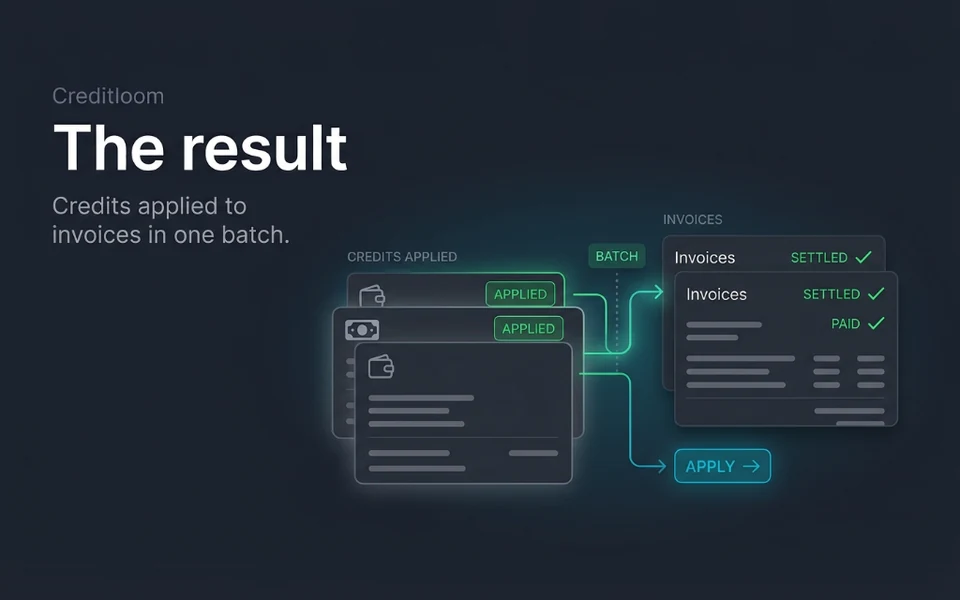
Xero allocates one credit note at a time. Creditloom scans your organisation, proposes an allocation for every open credit note against the same contact's invoices or bills, shows a preview, and writes them in one confirmed job. The first 10 allocations are free, then $29 for a 30-day pass or $29 a month.
What is an alternative to Allocat for Xero?
Creditloom, for clearing credit notes against invoices and bills in a batch with an editable preview and a 30-day undo. Allocat also matches prepayments and overpayments and can run automatically.
Can Creditloom allocate supplier credit notes to bills?
Yes. Sales credit notes go only against sales invoices and supplier credit notes only against bills, always for the same contact and currency.
Does Creditloom match prepayments or overpayments?
No. It allocates credit notes. For prepayments and overpayments use Xero's own steps or an app that covers them, such as Allocat.
Can a bulk allocation be undone?
Creditloom keeps an undo for 30 days that deletes only the allocations its job made, and the undo does not count against your allowance. Keep the preview CSV as your record.
Sources, opened on 26 November 2026: Allocat on the Xero App Store; Creditloom pricing and its guide bulk allocate credit notes in Xero; Xero Product Ideas, read on 25 October 2026.
More: Creditloom in our catalogue and charge interest on overdue invoices in Xero.
Atesen Software is independent and has no affiliation with Allocat. Xero is a trademark of Xero Limited, and this page is not affiliated with or endorsed by Xero. Prices and features change, so check each page before you buy.
Questions about this guide: support@atesensoftware.com.