Connects to Xero
Bulk Void for Xero alternative: Unapprove
Unapprove is an alternative to Bulk Void for Xero that also takes bills and can turn invoices back into editable drafts: a draft copy of each, then the original voided. Free preview, then $49 once for up to 1,000 documents or $39 a month. Bulk Void, at $29 once, is the better choice for voiding sales invoices only.
Connect Xero and preview free See the differences
Atesen Software, the publisher of this guide, makes Unapprove. Bulk Void for Xero belongs to another company. Its facts below come from its own product page and Chrome Web Store listing, opened on 26 November 2026.
Unapprove vs Bulk Void for Xero, side by side
| Unapprove | Bulk Void for Xero | |
|---|---|---|
| How it runs | Web app. You connect one Xero organisation on Xero's own sign-in page, and it works through the Xero API. | Chrome extension that works in your signed-in Xero tab. The vendor says there is no Xero API connection and invoice data stays in the browser. |
| Documents | Approved sales invoices and bills. | Sales invoices, Awaiting Payment and Paid. Bills are not covered: its page says Xero already voids bills in bulk. |
| Back to draft | Yes. It creates the draft copy first, then voids the original, renamed with a -V suffix so the copy can keep the number. Not for US organisations. | Not offered. It voids. |
| Paid invoices | A separate confirmed run removes the payments, then voids. It never removes a reconciled payment or a batch payment. | With "Include invoices with payments" on, it removes each payment, then voids. It skips an invoice with a credit note, batch payment, overpayment or prepayment. |
| Picking the batch | Filters, or paste or upload exact invoice numbers. Void-only jobs from a CSV or TXT file run in batches of up to 500. | The sales invoice list in Xero, as you have filtered it. |
| Before it writes | A read-only preview with a reason for every skipped document, a CSV backup, then you type the count. | A dry run, a backup CSV that must be saved first, then you type the count. A Stop button ends the run after the current invoice. |
| Other jobs | Write off small balances, download every invoice as its own PDF, export attachments, free duplicate scan. | Not described on its pages. |
| Price | Free preview and 3 documents in a 14-day trial. A 30-day Clean-up Pass: $49 up to 1,000 documents, $199 up to 5,000, $299 above that. Or $39 a month or $290 a year per organisation. Tax is added at checkout. | First 5 invoices free. $29 once per organisation, a founding price for its first fifty users (regular $49). $99 once for 5 organisations. 14-day refund. |
When Bulk Void for Xero is the better choice
- You only void sales invoices. That is the whole job it was built for, and $29 once is less than any Unapprove plan.
- You would rather not connect an app to Xero. It runs in your own browser tab without an API connection.
- Your Xero is in English and in the standard web layout. The vendor tested it in Xero's demo company and says other regions or languages may not work.
When Unapprove is the better choice
- The documents must come back as drafts. A sync or import approved them too early and you need to edit and approve them again. Unapprove makes the draft copy, keeps the number where Xero allows and copies supported attachments.
- Bills are part of the batch. Unapprove takes sales invoices and bills in the same job.
- You have a list of numbers. Paste or upload the exact invoice numbers from your spreadsheet instead of filtering by hand.
- The clean-up is bigger than a void. Write-offs, invoice PDFs and attachment export come with the same plan.
US organisations: Unapprove makes no draft copies there, because copies made through the Xero API can lose automatic sales tax. Void-only runs and the exports work.
How to bulk unapprove or void in Xero with Unapprove
- Connect your organisation. Sign in on Xero's own page and choose the organisation to work on. Nothing changes yet.
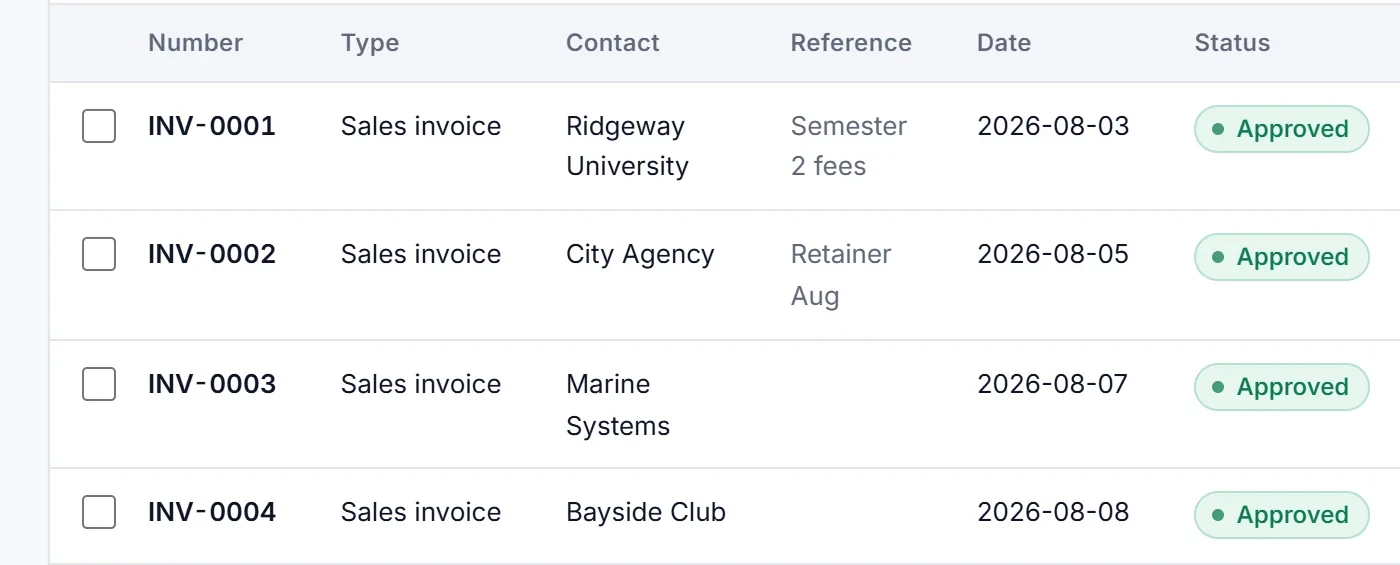
- Pick the batch. Filter and select approved invoices and bills, or paste or upload the exact numbers.
- Choose the action. Unapprove to draft, Void only, Remove payments and void, or Write off.
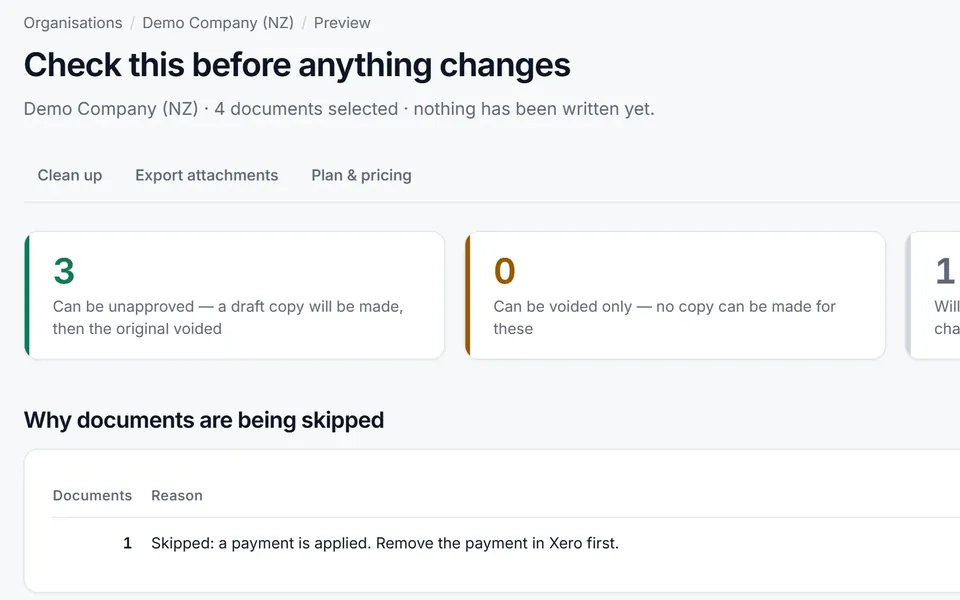
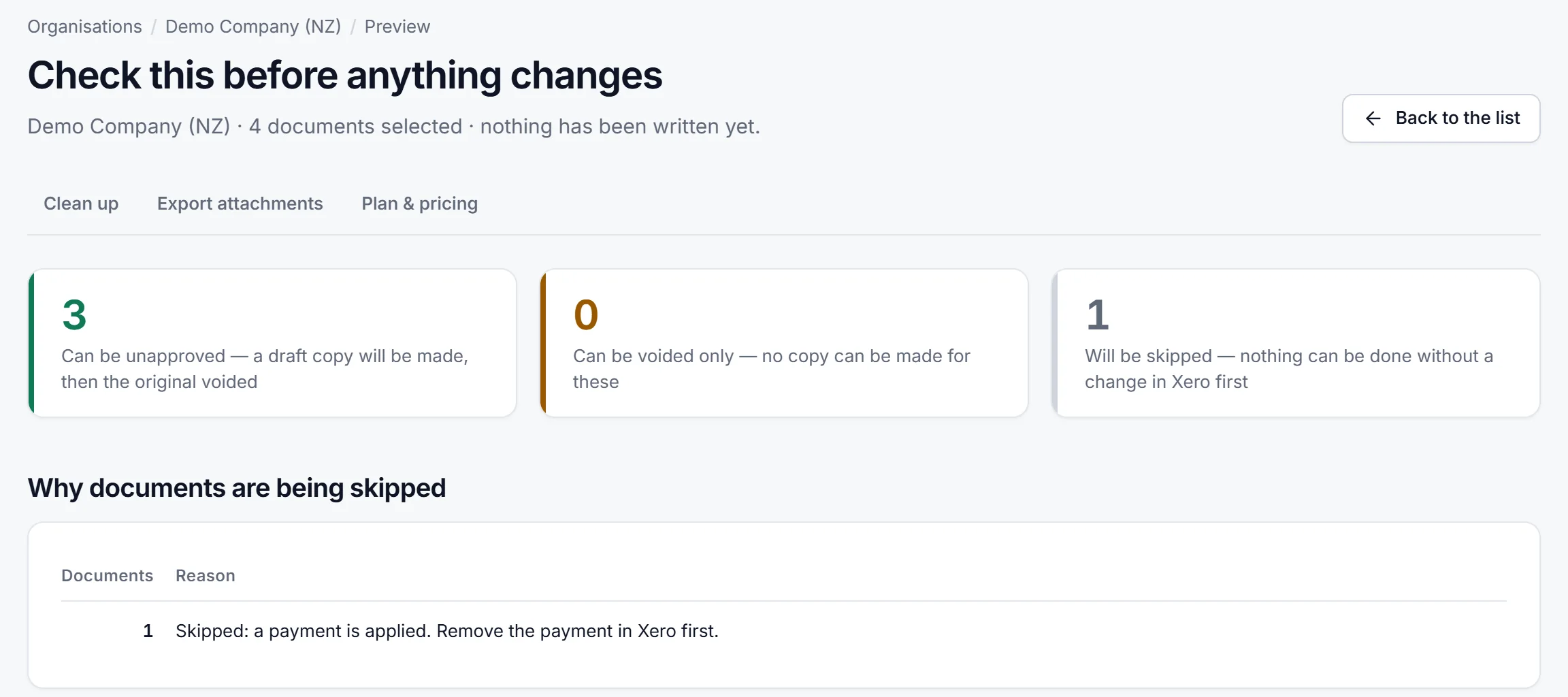
- Read the preview. Every document shows what will happen to it, and every skipped one shows the reason, such as a payment, a credit note or a locked period.
- Confirm. Download the CSV backup, type the count, for example UNAPPROVE 37, and keep the run log for your records.
What it looks like in Unapprove
Questions people ask
What is an alternative to Bulk Void for Xero?
Unapprove. It voids approved sales invoices and bills in bulk and can first make a draft copy of each, so the batch comes back as editable drafts. It has a free preview, then costs $49 once for a 30-day pass of up to 1,000 documents, or $39 a month.
Does Bulk Void for Xero void bills?
No. Its product page covers sales invoices only and says Xero already voids bills in bulk. Xero voids bills awaiting payment in bulk from the bills list. Unapprove also takes paid bills through its remove-payments run, and can make draft copies of bills.
Can Bulk Void for Xero turn invoices back into drafts?
Its pages describe voiding, not draft copies. Xero itself has no unapprove button. Unapprove makes a draft copy of each approved invoice or bill before it voids the original, outside the US.
Which is cheaper?
Bulk Void: $29 once per organisation after 5 free invoices, or $99 for 5 organisations. Unapprove: $49 once for up to 1,000 documents, or $39 a month. Both have a 14-day refund rule; Unapprove refunds a pass if no document was processed.
Can a bulk void be undone in Xero?
No. Xero says a voided invoice cannot be reinstated. Keep the backup CSV either tool gives you, and test a small batch first. Unapprove creates the draft copy before the void, and if the copy fails the original is left as it was.
Sources, opened on 26 November 2026: Bulk Void for Xero product page and Chrome Web Store listing (version 1.1.2, updated 13 November 2026); Unapprove pricing; Xero Central, Delete or void an invoice.
More: Unapprove vs Bulkdozer vs Bulk Void vs SaasAnt, how to bulk unapprove invoices in Xero, how to void multiple approved invoices at once and Unapprove in our catalogue.
Atesen Software is independent and has no affiliation with the maker of Bulk Void for Xero. Xero is a trademark of Xero Limited, and this page is not affiliated with or endorsed by Xero. Prices and features change, so check each page before you buy.
Questions about this guide: support@atesensoftware.com.