Connects to QuickBooks Online
Tools to download all QuickBooks Online attachments, compared (2026)
QuickBooks Online exports the attachments you tick as a free ZIP from Settings, Attachments. To export only the receipts for a date range, vendor or account, named after their transactions with an index, use Attachment Bundler (free preview and one sample file, then $29 once). For a full company backup with attachments, BoxKite costs $12 a month or $49 once, and WOW Backup and Restore $9.95 a month. Books Backup builds a done-for-you audit archive for $499.
Not made, endorsed or certified by Intuit. QuickBooks is a trademark of Intuit Inc.
The five options side by side
| Tool | What you get | Price and free trial | Limits | Good fit for |
|---|---|---|---|---|
| QuickBooks Online export (built in) | The receipts you tick in Settings, Attachments, as one ZIP via Batch actions, Export | Included in QuickBooks Online | Intuit's article describes no filters, no file naming and no index (Intuit, 27 November 2026) | A few files you can pick by eye |
| Attachment Bundler | Attachments of the transactions that match your filter (date, type, vendor or customer, account, amount), named after their transactions, with a CSV and Excel index | Year-end Pass $29 (250 files), $49 (1,000), $99 (5,000), $199 above; or $19 a month (pricing, 27 November 2026) Free: Unlimited previews and one sample file per company | Bills, expenses, invoices, sales receipts and journal entries; no vendor credits, bill payments, deposits, estimates or purchase orders; no QuickBooks Desktop; not a backup | An audit, tax request or year-end file set |
| Books Backup | A done-for-you archive: general ledger, audit reports, audit log and every receipt linked to its transaction | $499 per company, once (booksbackup.com, 27 November 2026) Free: Free sample archive | Added as an accountant user; most archives in 5 business days | Closing a company or keeping a full record |
| BoxKite | A backup of the company; attachments mapped to their transactions on Professional; the one-off ZIP adds an Excel workbook and audit pack | $12 a month or $119 a year (Professional), or $49 once per company (pricing, 27 November 2026) Free: Free plan for customers and vendors only | Whole-company scope; the pricing page mentions no filter for a subset | An ongoing backup |
| WOW Backup and Restore | A daily snapshot including attachments, restored by its team into a new company | $9.95 a month per company; restores with help $149.95 each (wowbackupandrestore.com, 27 November 2026) Free: One month free per company, plus one free restore | 7-day rolling backup; the page does not say how to download attachments as files | Protection against a bad change |
Prices are in US dollars as the vendors show them, before tax; Books Backup shows "$" without naming a currency. The order is QuickBooks first, then alphabetical; it is not a ranking.
How to choose
- Do you need a subset or everything? An auditor asking for last year's bills from three vendors needs a filter. Closing the books for good needs a full archive.
- Must each file be traceable? The built-in ZIP gives files, not transactions. Attachment Bundler and BoxKite tie each file to its transaction.
- Export or backup? A backup restores data after a mistake. An export hands files to someone. They are different jobs, and some firms need both.
- Do it yourself or have it done? Books Backup does the work for you; the others are self-service.
- Once or ongoing? A one-off job suits a pass or a one-off download; a monthly request suits a subscription.
Attachment Bundler: what it does well, and where it stops
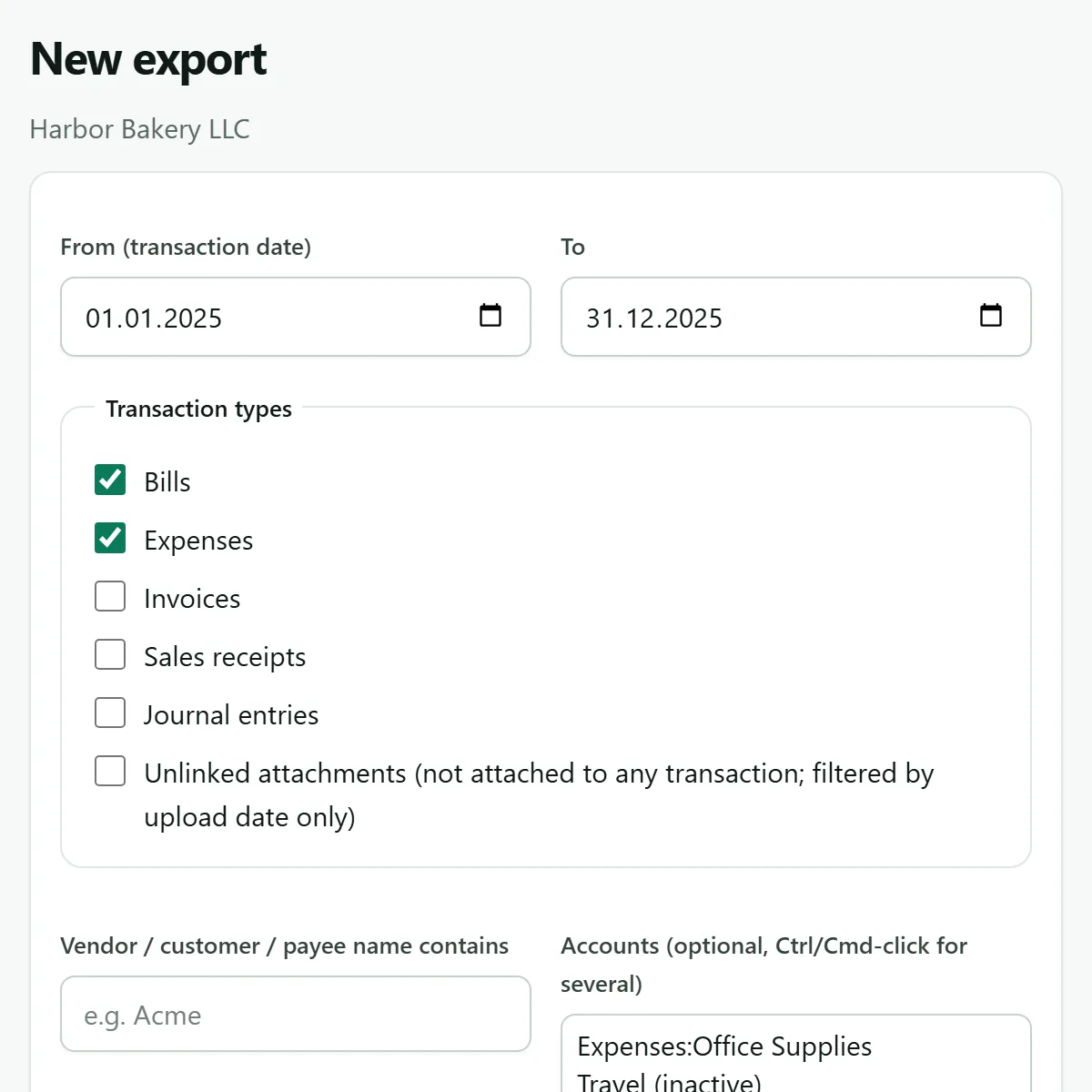
Good at: you see how many transactions, files and megabytes match, and how many matching transactions have no attachment, before you download; files are named from a template (date, name, amount, number) and sorted into folders; the index lets an auditor follow every file; it sends only read requests; up to 10 companies on one plan.
Where it stops: it covers bills, expenses, invoices, sales receipts and journal entries, not vendor credits, bill payments, deposits, estimates or purchase orders. It is QuickBooks Online only. It is not a backup. It is not listed in Intuit's app store, and Intuit's sign-in asks for its single accounting permission because there is no read-only one.
Questions people ask
Can QuickBooks Online download all attachments at once?
Yes. Go to Settings, choose Attachments under Lists, tick the receipts, then choose Export from Batch actions to get a ZIP. Intuit's article describes no filter by date, vendor or amount for it.
How do I export QuickBooks Online receipts for one year or one vendor?
The built-in list has no such filter, so you tick files by hand. Attachment Bundler filters by transaction date, type, vendor or customer, account and amount, and exports only those files with an index.
Does a QuickBooks Online backup include attachments?
It depends on the tool and plan. BoxKite lists attachments mapped to their transactions on its Professional plan and in its one-off download. WOW Backup and Restore says its daily snapshot includes attachments.
Is there a free way to export QuickBooks attachments?
The built-in ZIP export is free. Attachment Bundler's previews and counts are free, with one sample file per company; downloading the export is paid.
Do these tools work with QuickBooks Desktop?
Attachment Bundler works with QuickBooks Online only. Check each vendor's page for Desktop support before you buy.