Connects to Xero
Tools to bulk download Xero invoices as PDFs, compared (2026)
Xero prints the invoices you tick as one merged PDF, which is free but gives no file per invoice. For one PDF per invoice in a ZIP, use Bulk Invoice PDF Download for Xero ($29 once for up to 1,000 PDFs) or the InvoicePack browser extension ($9 a month). If you also want receipts joined to each invoice, AllAttached does that from $19 a month. For a backup of the whole organisation, Boxkite starts at $5 a month.
The five options side by side
| Tool | What you get | Price and free trial | Limits | Good fit for |
|---|---|---|---|---|
| Xero Print (built in) | The invoices you tick on the Paid or Unpaid tab, as one merged PDF | Included in Xero | No separate file per invoice. The request for separate PDFs has 48 votes and is "Gaining Support"; Xero gives no date (Xero Product Ideas, 27 November 2026) | Printing a handful of invoices |
| AllAttached | Attaches receipts to sales invoices; can combine an invoice and its files into one PDF, or download a batch as a ZIP | From $19 a month per organisation, excl. tax (allattached.com, 27 November 2026) Free: 14 days, no card | Built around receipts on rebillable costs, not invoice archives | Sending invoices with their receipts |
| Boxkite | A backup of Xero data: Essentials covers contacts and invoices, Professional 36 data types including files and attachments | $5 a month (Essentials), $15 a month (Professional) or $49 once for a ZIP (pricing, 27 November 2026) Free: Starter plan free (contacts only) | The pricing page does not mention invoice PDFs | A full backup or an organisation you are closing |
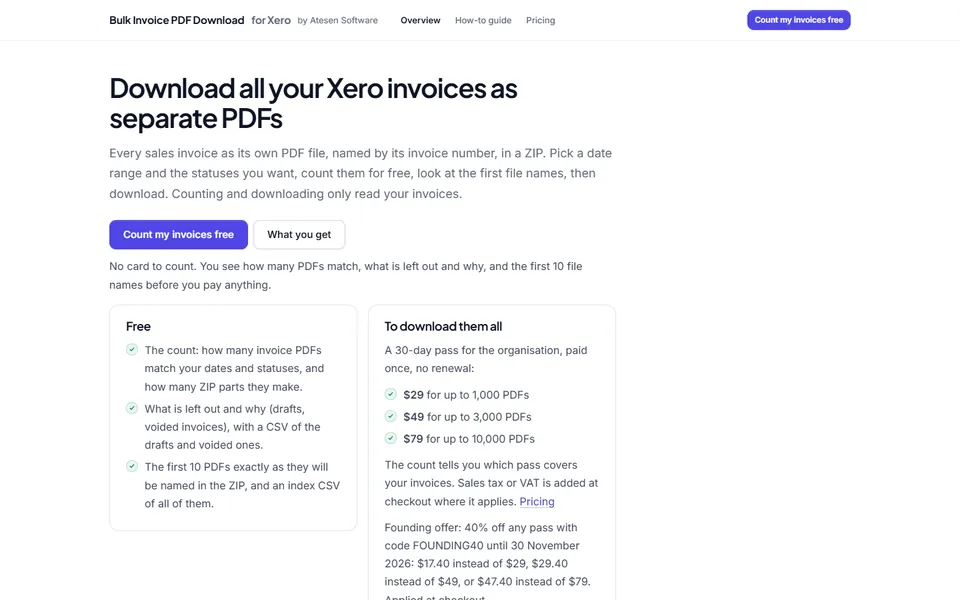
| Bulk Invoice PDF Download for Xero | Every sales invoice as its own PDF, named by number, in month folders with an index.csv | $29 once for up to 1,000 PDFs, $49 up to 3,000, $79 up to 10,000; 30 days, no renewal (pricing, 27 November 2026) Free: Free count, list of what is left out and first 10 file names | Sales invoices only; no drafts, voided or deleted invoices, no bills; about 20 minutes per 1,000 invoices because of Xero's API limit | A one-off archive for an audit, a handover or a client |
| InvoicePack | Browser extension: selected sales invoices as one ZIP, one PDF per invoice, named by number | $9 a month or $79 a year per organisation (invoicepack.vercel.app, 27 November 2026) Free: 7 days; card required | Sales invoices only; Chrome, Edge or Brave; about one invoice a second | Regular downloads from the browser |
Prices are in US dollars as the vendors show them, before tax. The order is Xero first, then alphabetical; it is not a ranking.
How to choose
- One file or one per invoice? If one merged PDF is fine, Xero's Print costs nothing. Auditors and clients usually ask for one file per invoice number.
- Once or every month? A one-off archive suits a single payment; a monthly habit suits a subscription such as InvoicePack.
- Invoices only, or everything? For bills, receipts and the rest of the ledger, a backup such as Boxkite is the wider tool.
- How many invoices? Xero lets apps make about 60 calls a minute per organisation, so every API tool needs time on a big file. Count first.
- Where does it run? A browser extension works in your signed-in Xero tab; a web app connects through Xero's own sign-in.
Bulk Invoice PDF Download: what it does well, and where it stops
Good at: the count is free and only reads; each PDF is named by its invoice number, sorted into folders by month or by customer, with an index.csv you can hand to an auditor; a PDF that could not be fetched is listed, and an "only new" option downloads just the invoices not downloaded before; one payment, no subscription.
Where it stops: sales invoices only, so bills and supplier credit notes need another route. Drafts, voided and deleted invoices are never downloaded. A large organisation takes time because of Xero's API limit. It is not a backup of your Xero data.
Questions people ask
Can Xero download all invoices as PDFs at once?
Xero can print the invoices you tick on the Paid or Unpaid tab, but it puts them all into one PDF. It has no option for one file per invoice; the request for it on Xero Product Ideas is marked "Gaining Support" with no delivery date.
How do I get each Xero invoice as its own PDF?
Use a connected tool. Bulk Invoice PDF Download for Xero and InvoicePack both save one PDF per invoice, named by its number, in a ZIP. By hand, you open each invoice and choose Print PDF.
Is there a free way to export Xero invoice PDFs?
Xero's merged Print PDF is free. Bulk Invoice PDF Download counts your invoices and shows the first 10 file names free, before you pay.
Do these tools download bills too?
Bulk Invoice PDF Download and InvoicePack cover sales invoices only. For bills and their attached files, look at a backup tool such as Boxkite or an attachment export.
How long does a bulk download take?
Xero allows about 60 API calls a minute per organisation and each PDF is one call, so 1,000 invoices take around 20 minutes in Bulk Invoice PDF Download. InvoicePack states about one invoice a second.